Equipment
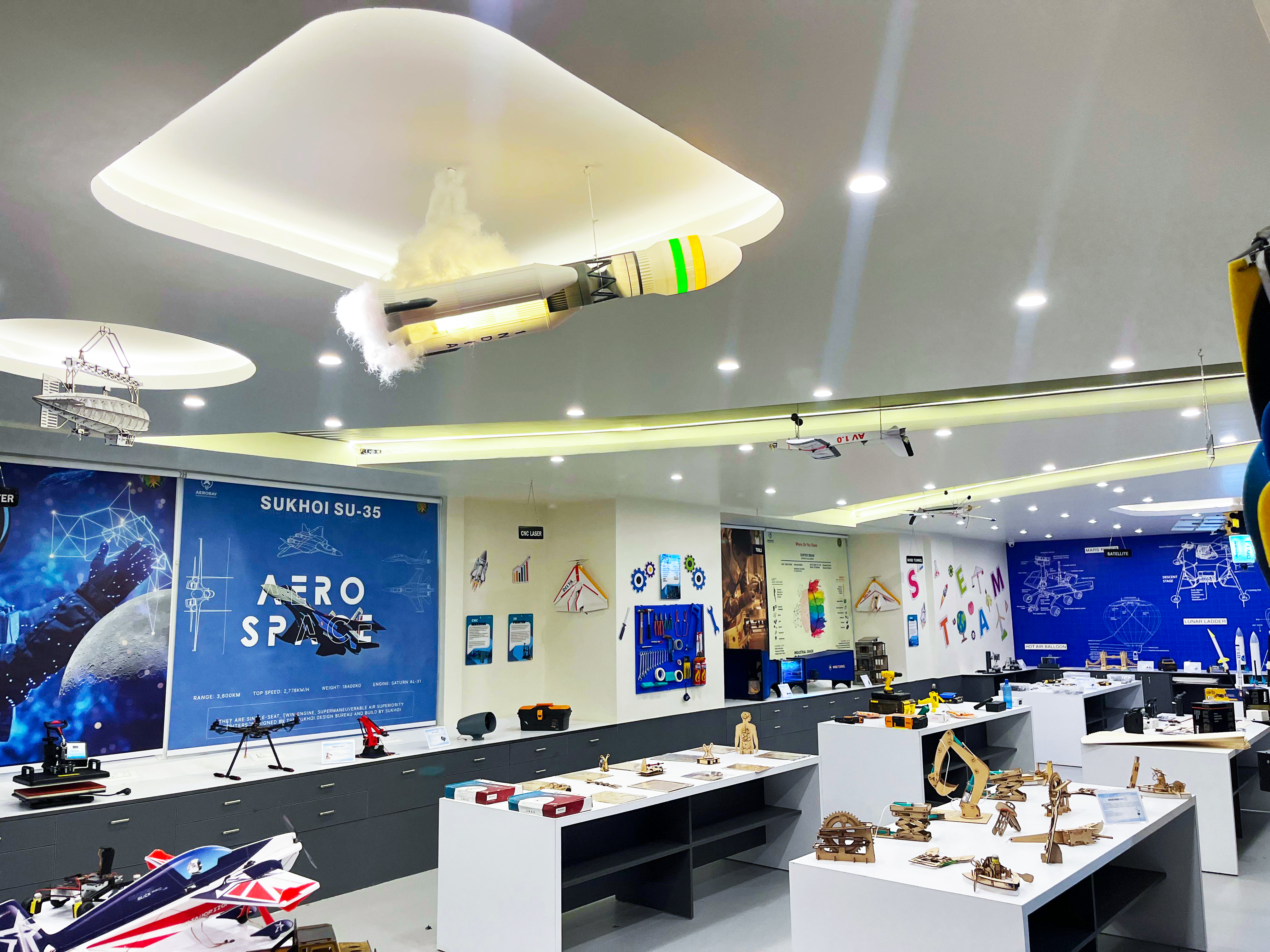
A room filled with machines, tools and possibility.
AeroBay for schools
AeroBay helps schools turn physical spaces into active learning environments — bringing together infrastructure, trained educators, curriculum, hands-on experiences and ongoing program support.
The real challenge
Infrastructure creates potential. A working program turns that potential into consistent student experience.
A room filled with machines, tools and possibility.
People, curriculum, sessions, maintenance and coordination.
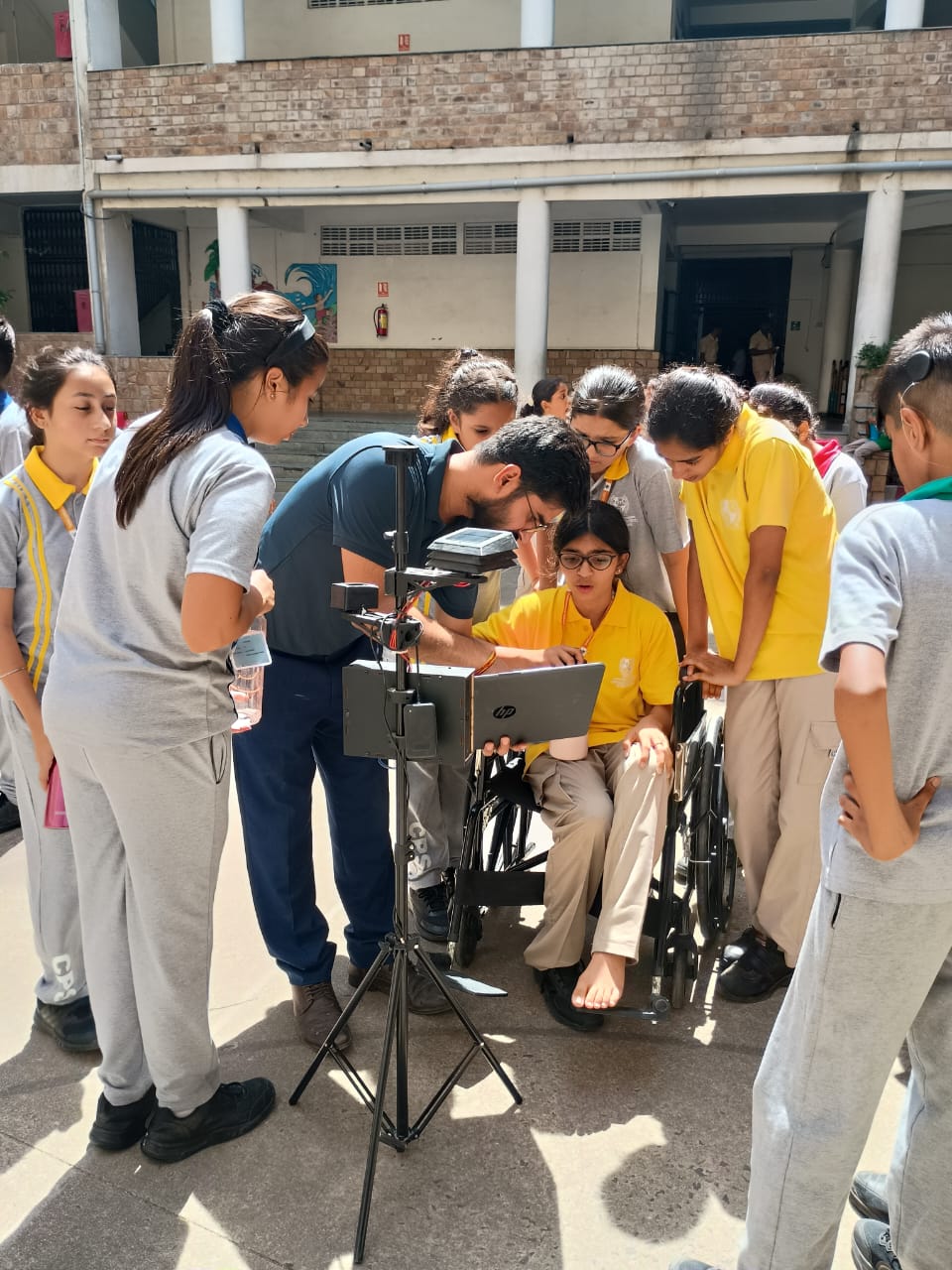
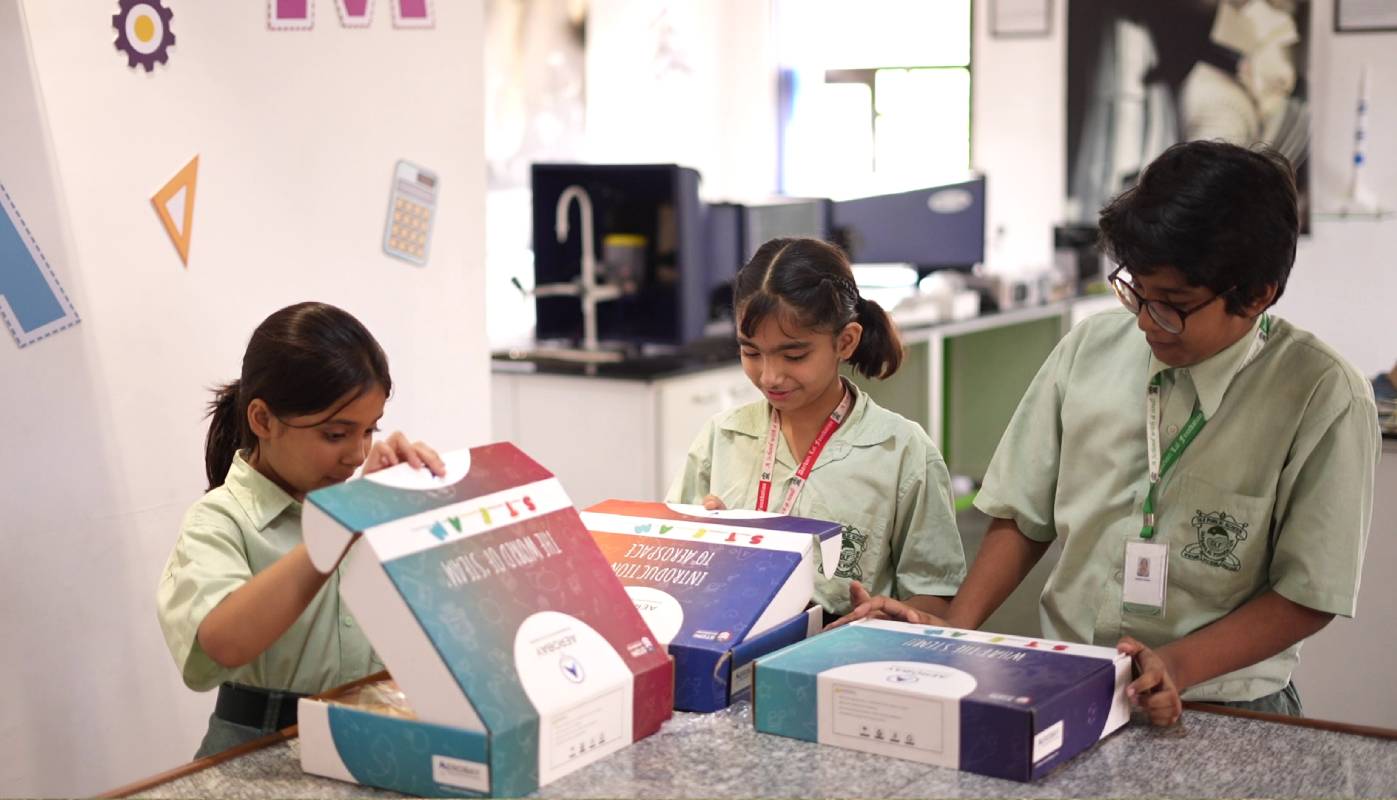
Students building projects, developing skills and discovering interests.
AeroBay manages the journey in between.
The AeroBay school model
Before a student walks into a meaningful session, an entire operational system is already moving.
Two ways to begin
Whether you are creating a new environment or activating one you already have, the goal is the same: make hands-on learning work.
Composite skill lab
Not a showroom of machines. An environment where students can explore, build, test, prototype and create.
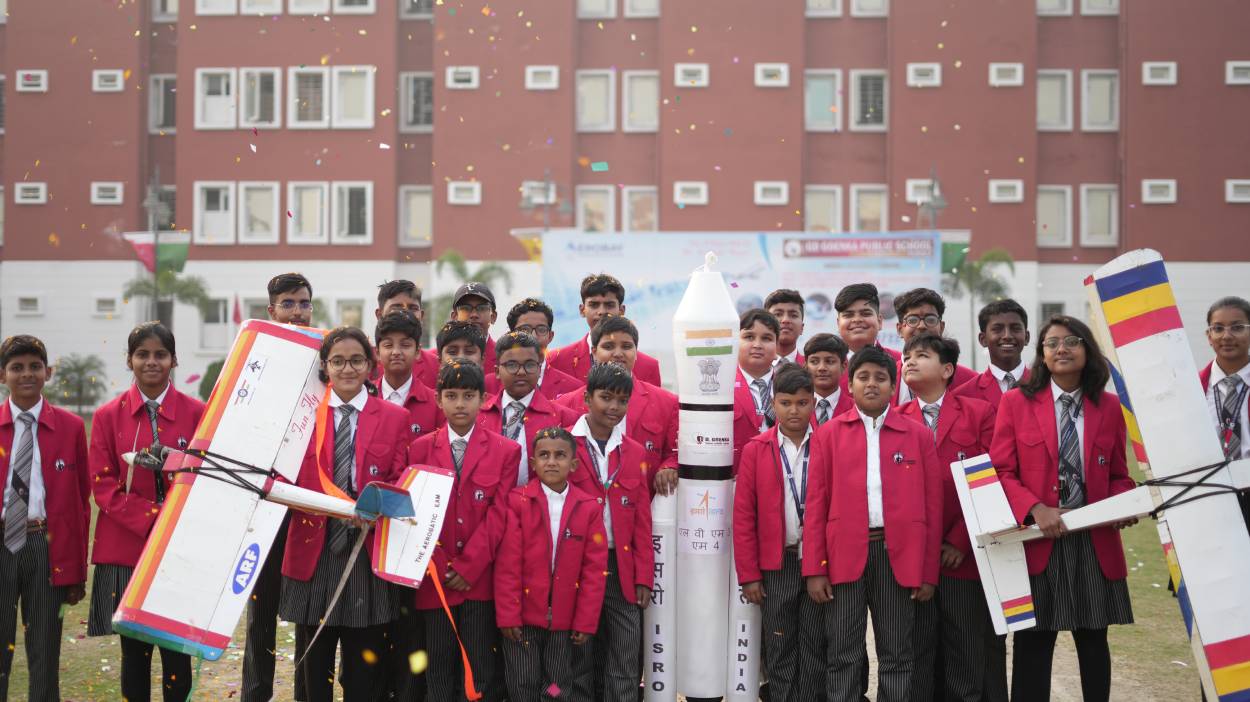
Explore flight, structures and the systems that make aviation possible.
Built for learning
AeroBay develops learning products, equipment and activities around the experience students need — connecting the workshop directly to the classroom.

The human layer
Your lab has a person behind it — prepared for the classroom, deployed for the program and supported by AeroBay.
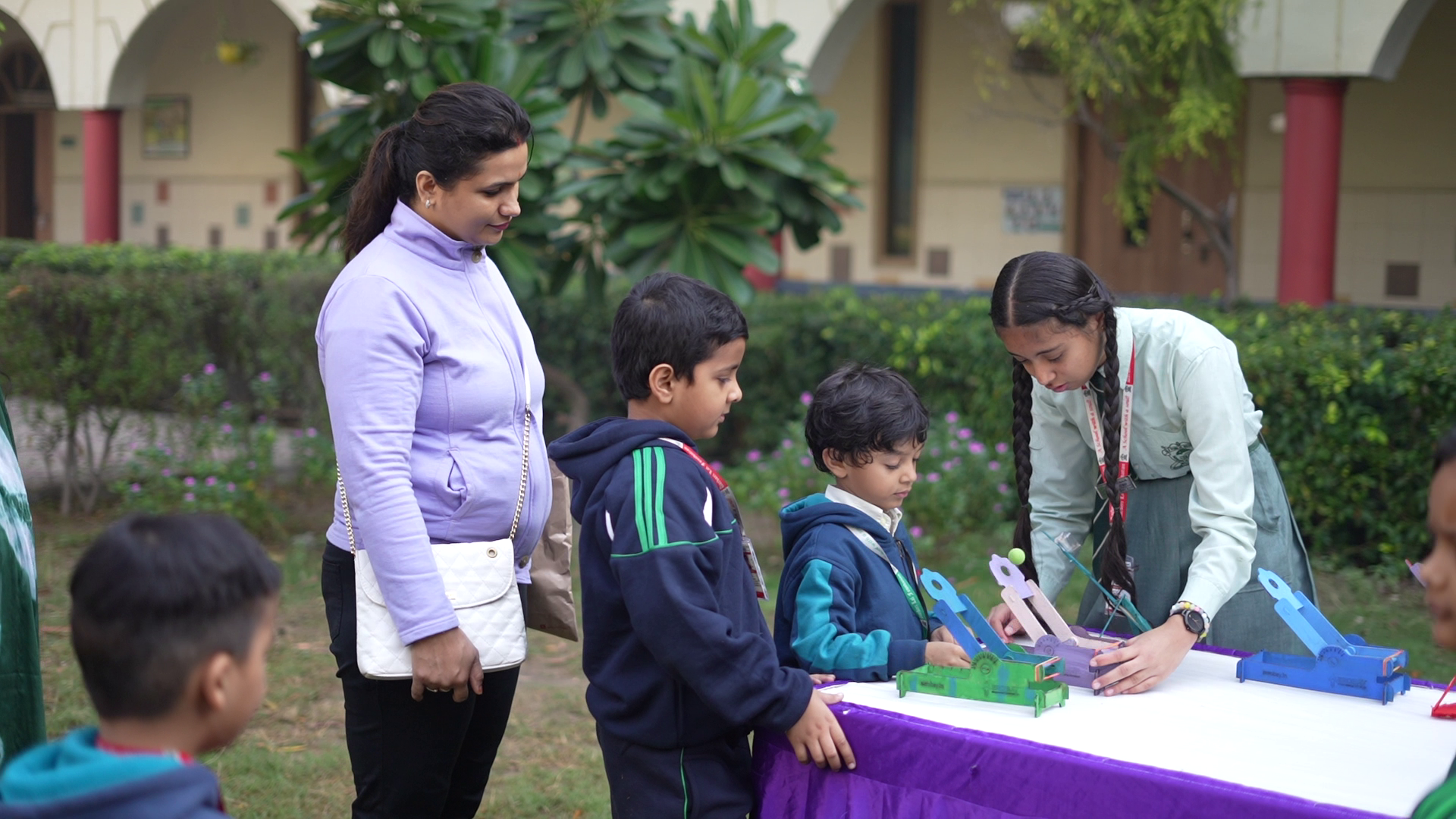
Classroom management, teaching methodology, technology, coding, robotics, design, manufacturing and lab equipment.
A dedicated trainer presence to guide the school program and its student sessions.
Ongoing coordination, upskilling, reporting, monitoring, audits and improvement.
Program operations
A managed learning environment needs attention at more than one level. AeroBay stays involved in execution, review and improvement.
Session execution
Learning objectives
Trainer coordination
Immediate support
Reports
Audits
Inventory checks
Trainer upskilling
Kit support
Utilization monitoring
Program monitoring
Impact analysis
Improvement
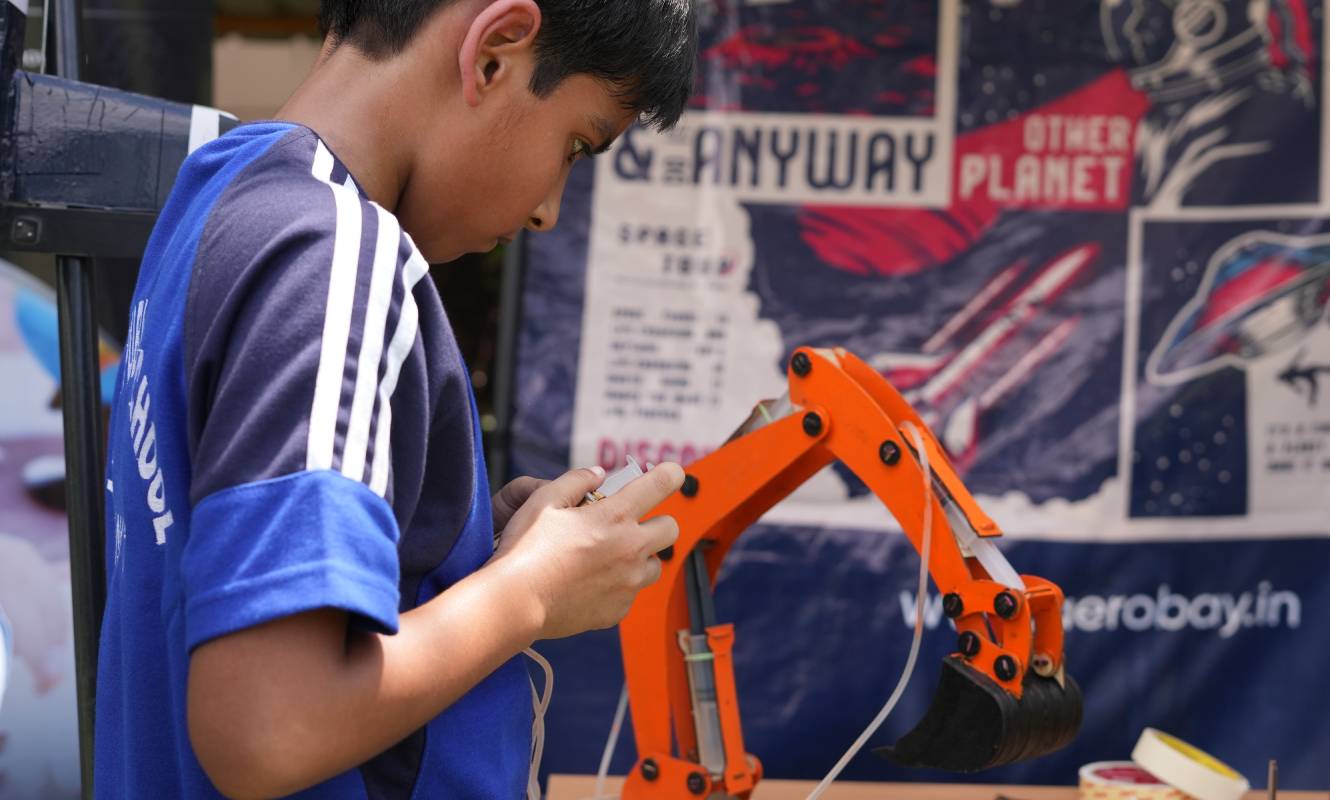
Student discovery
Students can hear about robotics, aerospace, AI, design, electronics, space or manufacturing. Experiencing them is different.
AeroBay gives students real, hands-on ways to explore different domains and discover what genuinely interests them.
From interest to possibility
Early exposure can help students understand their interests, develop skills through experimentation and make more informed future choices.
A working partnership
The school remains an active partner. Together, we align the program with school requirements while AeroBay handles the operating layer that keeps it moving.
Implementation journey
A clear path from the first school conversation to an environment that is launched, operated and monitored.
The first shared moment
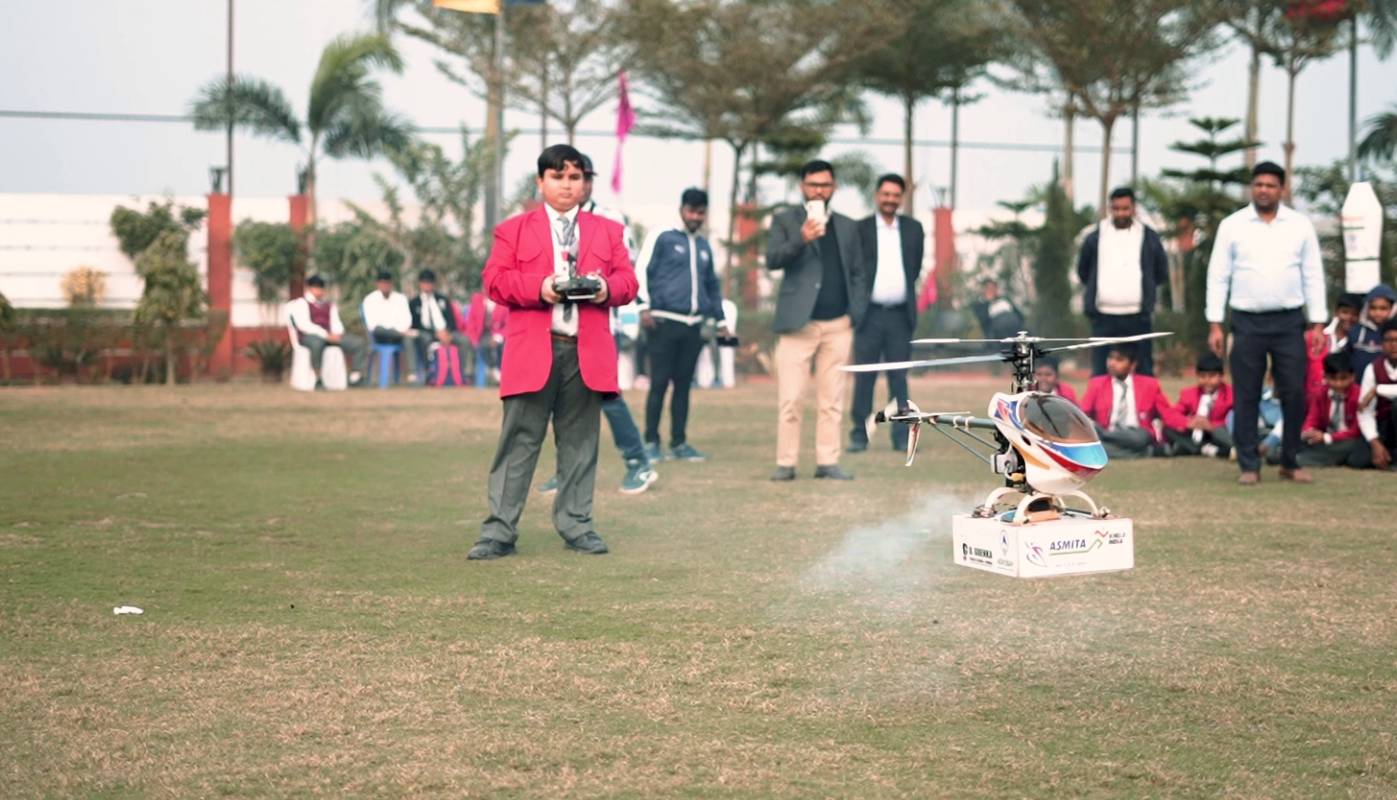
A launch can bring students, educators and school leadership into the experience — with real projects and demonstrations making the new environment tangible from day one.
Program impact
AeroBay’s monitoring approach looks beyond installation to understand the health and use of the school program — without reducing the experience to a single number.
Inside the school
Every school context is different. The recurring experience is a connected journey from a school requirement to student participation and ongoing support.
AeroBay listens to the school’s goals, available space and current infrastructure.
The environment, people and program are brought together around the agreed requirement.
Students move from explanation to making, testing, presenting and reflecting.
Detailed named case studies and outcomes are published only when verified school material is available.
Built for schools
A credible school program is built on clarity, collaboration and support that continues after the environment is installed.
Plan around the school’s real requirement.
Connect the space, educator and learning program.
Stay involved as the program is delivered.
Use monitoring and feedback to strengthen the experience.
Questions schools ask
AeroBay brings together space and requirement planning, lab design and setup, learning equipment, curriculum, trained educators, hands-on student experiences and ongoing operational support.
Yes. AeroBay can help a school activate existing infrastructure with educators, kits, curriculum, operating practices, monitoring and continuous program support.
The process starts with school engagement, understanding the requirement and available space, demonstrations where appropriate, and detailed planning before implementation begins.
The design is shaped around the school’s requirements and available space. Room photographs or floor plans can support visualization and planning before setup.
AeroBay can deploy a dedicated trainer to operate the school program and guide student sessions.
Trainer preparation covers classroom management, teaching methodology, relevant technologies, AeroBay activities and the equipment used in the learning environment.
Support continues through coordination, reporting, audits, inventory and kit support, trainer upskilling, monitoring and program improvement.
Curriculum becomes a sequence of guided, hands-on sessions delivered in the lab, with projects and activities selected around the program structure agreed with the school.
Participation and activity selection are planned with the school so that learning experiences suit the relevant student groups. The exact structure is discussed during requirement mapping.
AeroBay moves from requirement understanding and design through setup, orientation, trainer preparation, deployment, program launch, ongoing operations and impact monitoring.
The monitoring approach considers areas such as participation, session delivery, project completion, lab utilization, trainer performance, student engagement and school feedback.
Yes. The environment and program can be planned around the school’s space, student groups, timetable, academic priorities and existing infrastructure.
Start a conversation
Tell us about your school, your students and what you want to build. We’ll help you explore the right AeroBay learning environment and program.